Latest Version
N Hamilton
iOS
$2.99
407375789
Report a Problem
More About Address Labels & Envelopes
Streamline Your Mailing with Address Labels & Envelopes
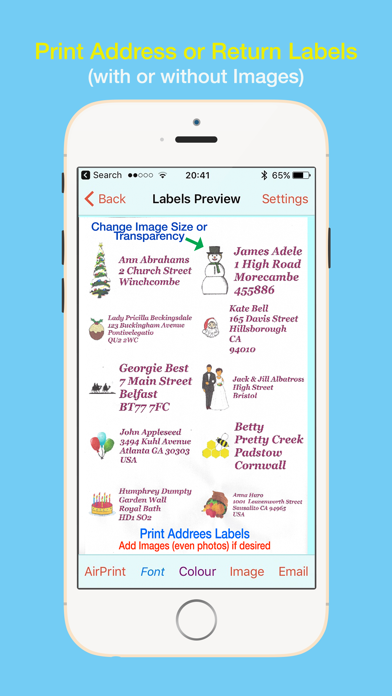
The Address Labels & Envelopes printing app by N Hamilton offers iOS users an exceptionally efficient way to manage and print physical mailings. Whether you are preparing a large batch of holiday cards, organizing wedding invitations, or handling routine business correspondence, this utility bridges the gap between your digital contact list and physical stationery. It eliminates the traditional frustration of alignment issues by automatically fitting your text and images to your selected label size.
Who Benefits Most From This Utility?
This application is highly beneficial for anyone who regularly manages mailing lists. It is particularly valuable for:
- Holiday Planners: Perfect for tracking and sending Christmas, Thanksgiving, and birthday cards year after year.
- Event Hosts: Simplifies guest list management and envelope printing for weddings, baby showers, and family reunions.
- Small Businesses & Organizers: Ideal for creating custom organization labels, storage box tags, or bulk business mailings.
Key Features and Printing Capabilities
The Address Labels & Envelopes printing app is packed with practical features designed to save time and reduce paper waste:
- Flexible Data Importing: Quickly bring in names and addresses directly from your iOS Contacts, import spreadsheet CSV files, or input entries manually.
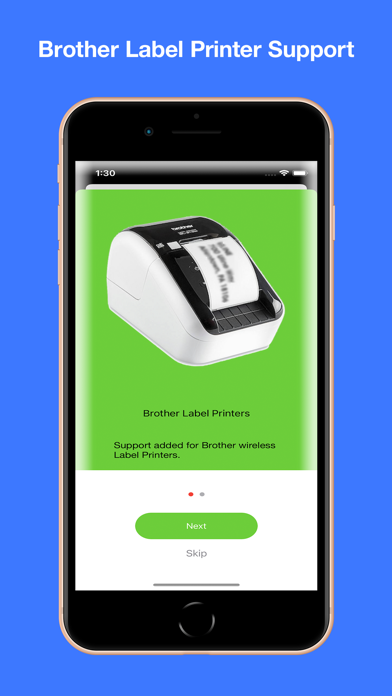
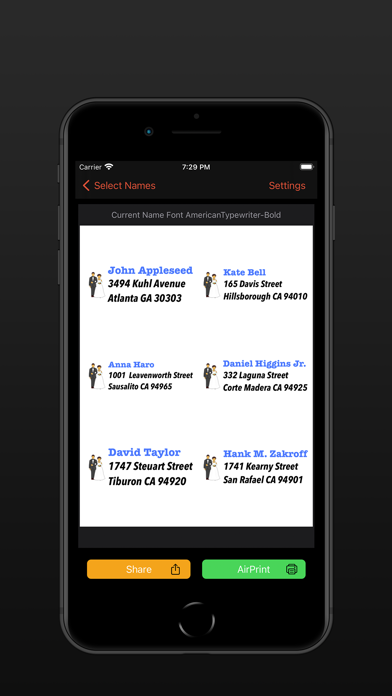
- Smart Label Formatting: The app supports most Avery label sheet types and adjusts text automatically. It also supports Brother Wi-Fi label printers and select Dymo LabelWriters (via third-party software).
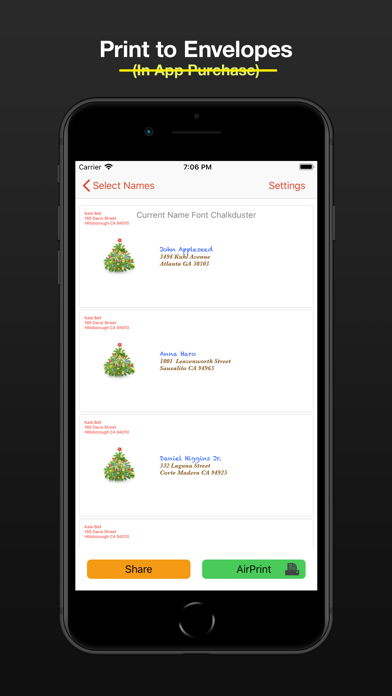
- Envelope Customization: Print directly onto a wide variety of envelope sizes, including custom dimensions, using AirPrint-enabled printers.
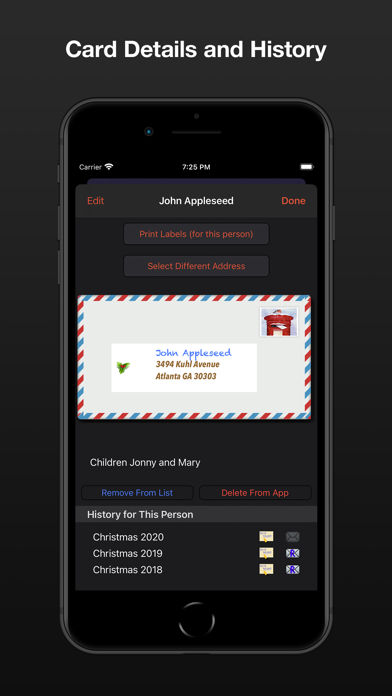
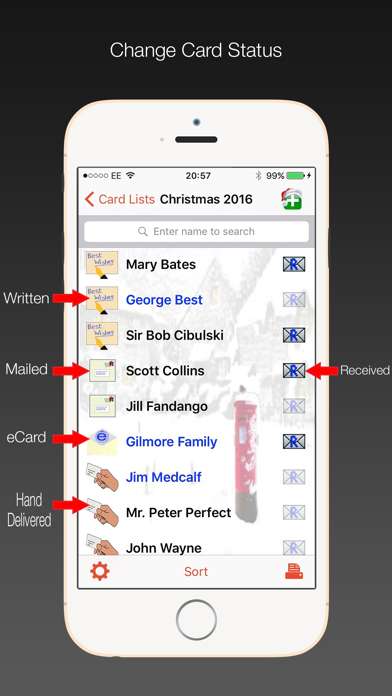
- Advanced Sorting & Tracking: Sort your lists by first or last name, zip code, or birthday. You can also record when cards have been written, mailed, hand-delivered, or received.
- USPS IM Barcodes: For users in the United States, the app can print USPS Intelligent Mail barcodes, which can help secure lower postal rates for bulk mailings.
- Cloud Syncing: Keep your lists synchronized seamlessly across your compatible iOS devices and Mac (running iOS 13 or later).
Highly Customizable and Easy to Use
Beyond standard address formatting, the app allows for personal touches. You can add images or holiday icons to personalize your labels, create dedicated return address labels, and use nicknames or company names instead of default contact fields. If you do not have immediate access to an AirPrint printer, you can easily export your finalized layouts to a CSV file or generate a shareable PDF to print later from your computer.
Get Started Today
If you are tired of struggling with complicated word processing templates just to print a few envelopes, this utility offers a robust, user-friendly solution. To streamline your next mailing project, check out the official store page on the App Store to download Address Labels & Envelopes for your iPhone or iPad.
Rate the App
User Reviews
Popular Apps










Editor's Choice