

Latest Version
Microsoft Corporation
Lifestyle
Windows
Free
9nblggh4qghw
Report a Problem
More About Microsoft Sticky Notes
Streamlining Your Thoughts with Microsoft Sticky Notes
In a fast-paced digital workspace, capturing fleeting thoughts before they vanish is crucial. Microsoft Sticky Notes digital organization offers a seamless, unbloated solution designed to keep your workflow uninterrupted. Built specifically for the Windows platform, this lightweight lifestyle application replaces physical paper scraps with smart, flexible digital notes that sit directly on your desktop.
Key Features for Daily Productivity
Rather than forcing you into complex database structures, this tool focuses on immediate utility. Here is what you can actually accomplish with it:
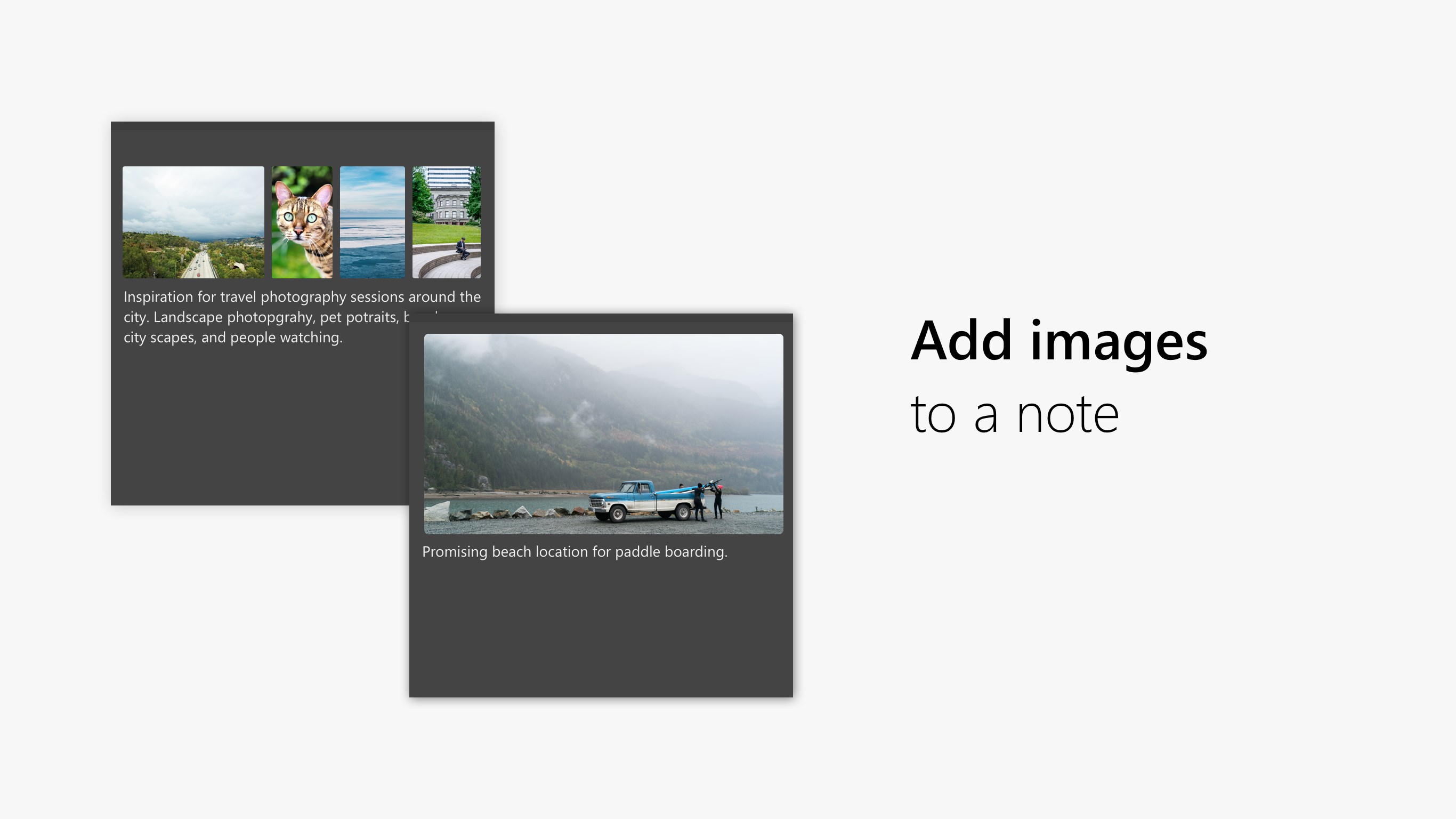
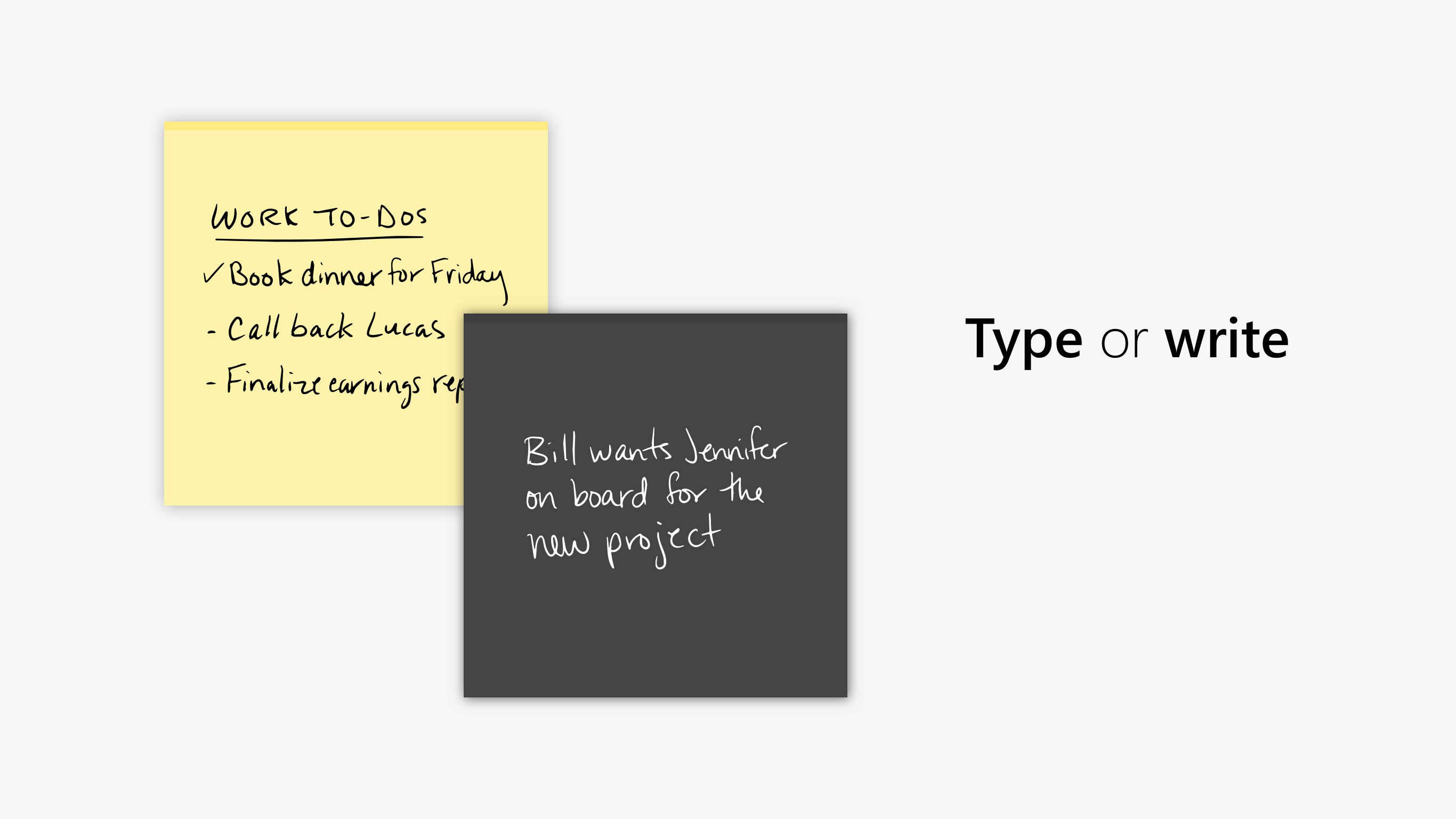
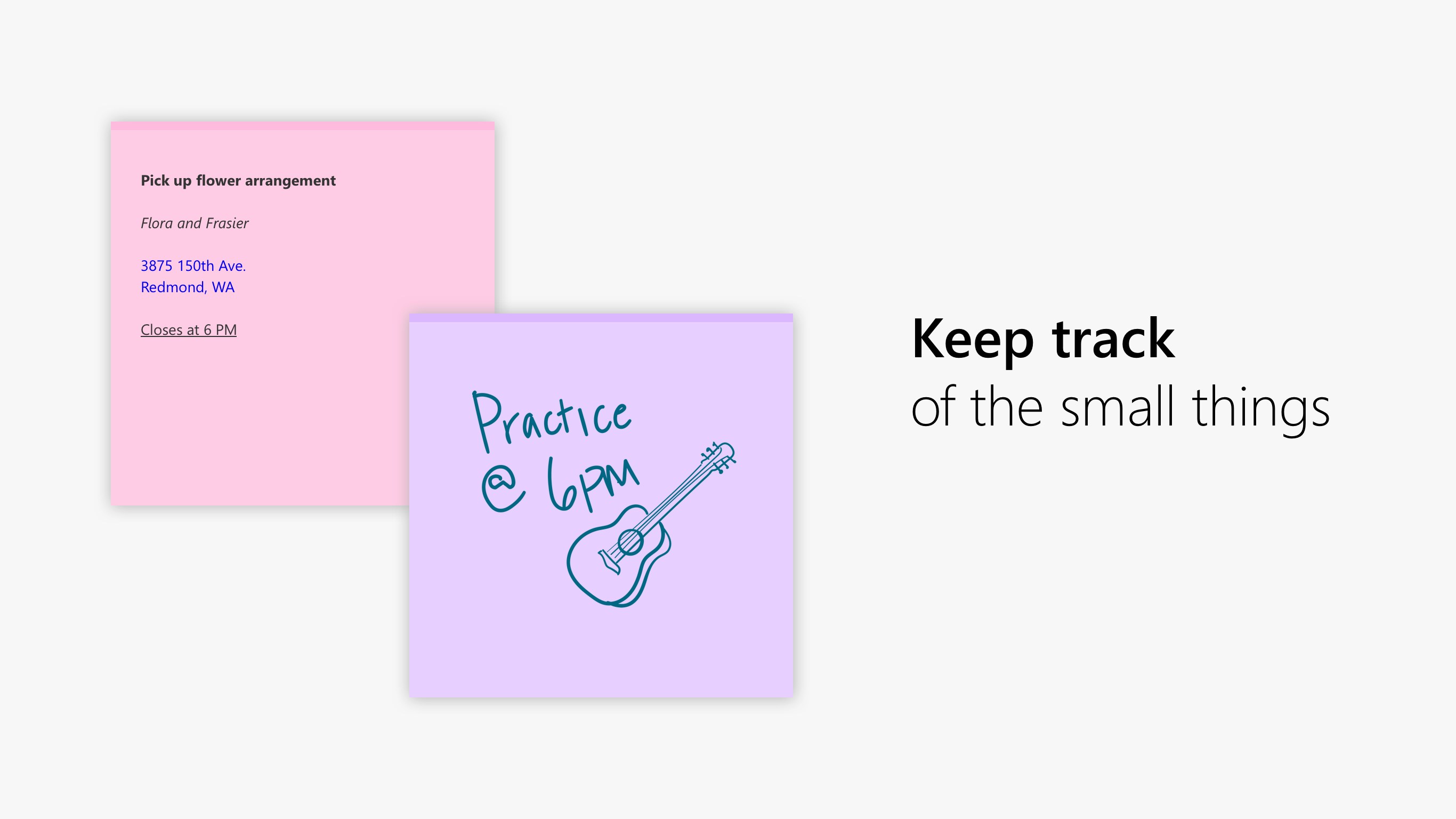
- Versatile Input Methods: Type your tasks, draw or write freehand using digital ink, or insert images to make your reminders more visual.
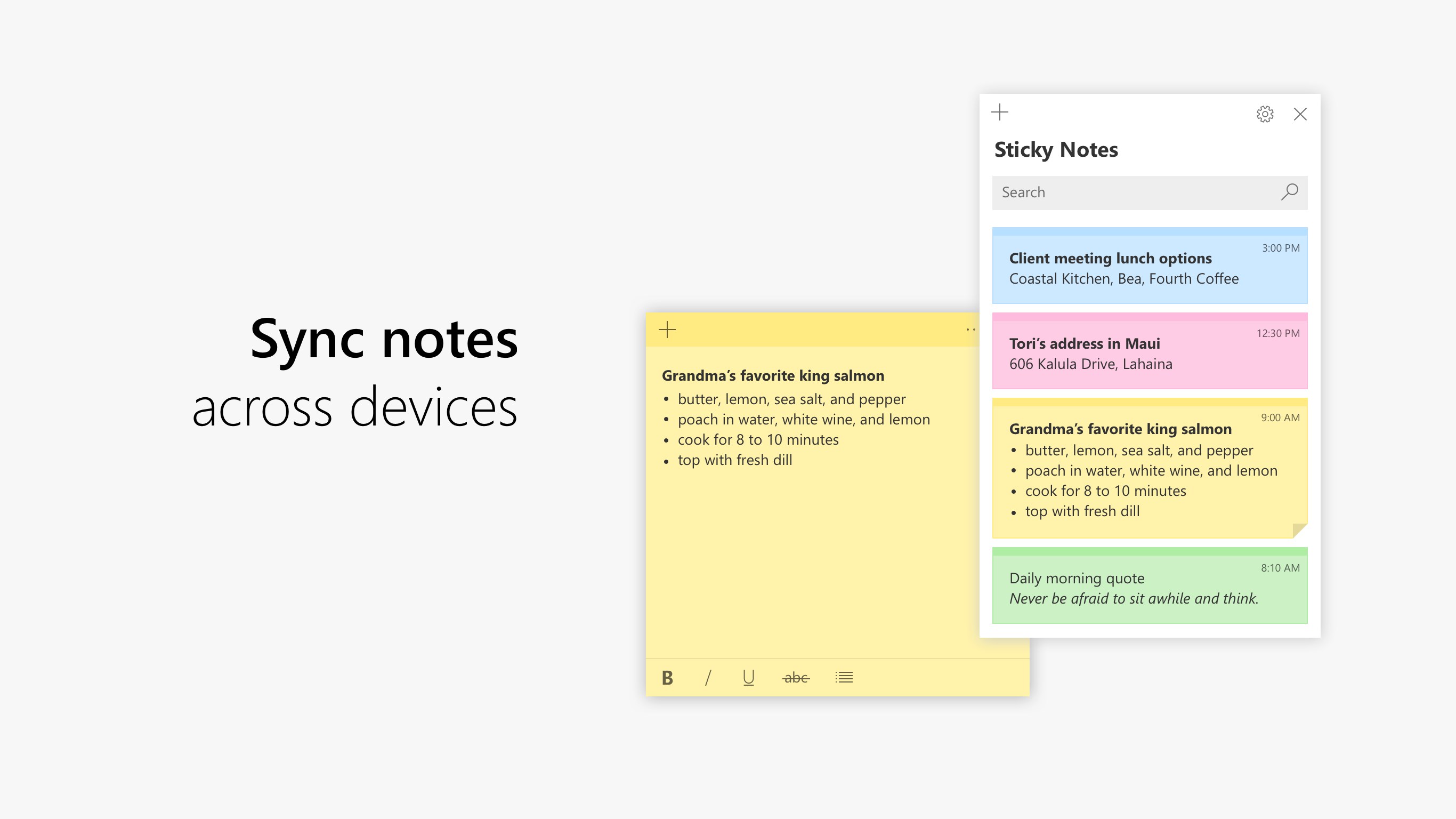
- Rich Text Formatting: Customize your text with bold, italics, underlines, and bullet points to establish a clear visual hierarchy.
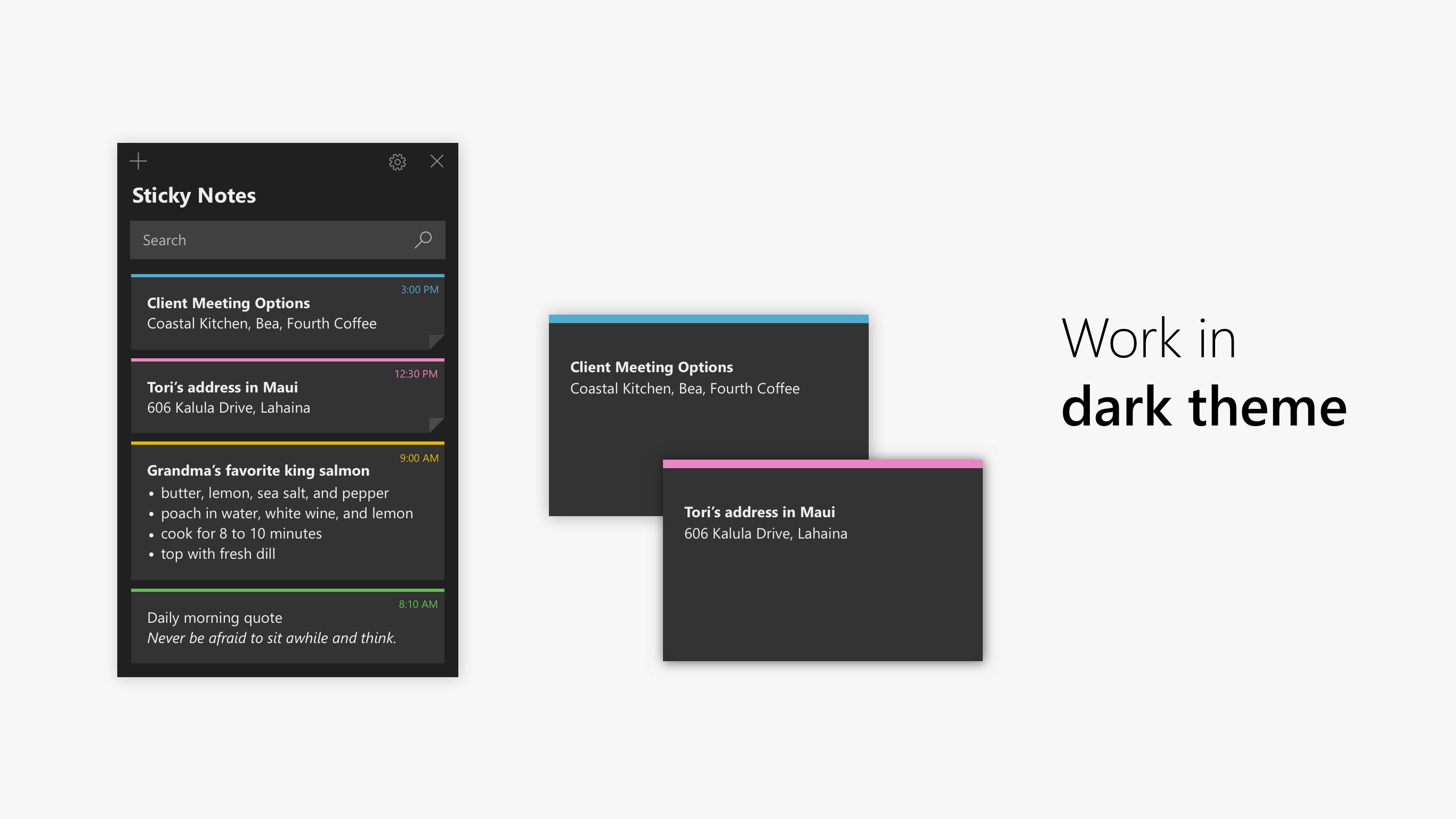
- Flexible Desktop Placement: Pin individual notes directly to your screen, drag them around freely, or close them into a centralized Notes list to declutter your workspace.
- Cross-Device Synchronization: Keep your thoughts aligned across different platforms. Your notes sync effortlessly with OneNote Mobile, Microsoft Launcher for Android, and Outlook for Windows.
Who Is This Tool For?
If you are a professional, student, or creative who constantly needs to jot down quick reminders, phone numbers, or temporary checklists, this tool is ideal. It bypasses the setup time of heavy project management software, letting you capture information instantly so you can stay in your creative flow.
Our Editorial Verdict
Microsoft Sticky Notes digital organization excels because it does not try to be an over-engineered word processor. It successfully emulates the simplicity of physical paper sticky notes while supercharging them with cloud synchronization and multimedia support. It is an excellent, unobtrusive addition to any Windows desktop productivity toolkit.
Ready to upgrade your daily note-taking routine? You can find the application and add it to your setup by visiting the official Microsoft Store.
Rate the App
User Reviews







Popular Apps










Editor's Choice